Latest Extensions for DayBack Calendar (part 2)

Part two of our recap of the newest extensions to DayBack Calendar for FileMaker. These are published on the DayBack blog and in our new Extensions Library. Most come with example code you can paste into your instance of DayBack.

(Here’s part 1 if you missed it.)

Gantt Chart Style Progress Bars

FileMaker Gantt chart

Visualize the percent complete with progress bars on each task, adding warnings when they exceed estimates in DayBack’s Gantt Chart.


Add Custom Side Panels to DayBack
FileMaker Calendar Customization

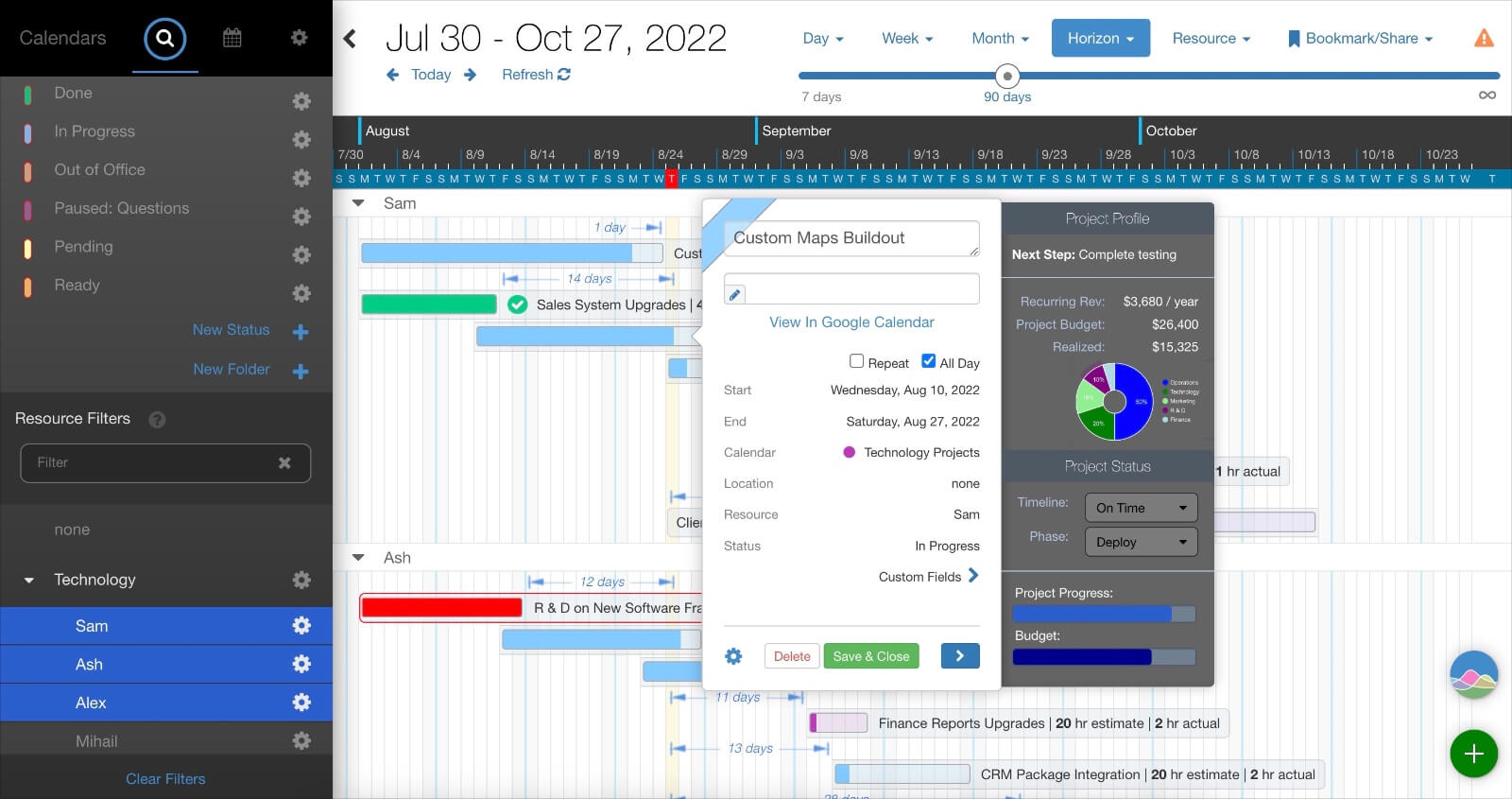
Add custom workflows in your calendar by embedding forms, charts, and progress bars in each event. You can certainly do this using your own FileMaker layouts instead of DayBack’s popover, but if you want this in the popover, example code is included and implementation help is available. You can also add displays like this to DayBack’s tooltips.


Update Resources and Statuses for Multiple Events

Update multiple events FIleMaker Calendar

We’re adding more ways for you to reschedule multiple events simultaneously. This action lets you drag-select events and switch their statuses and resources all at the same time. If your events have multiple resources, this action makes it easy to swap out some of those resources for a new one, leaving the remaining resources untouched.


Read-Only or Hidden Fields
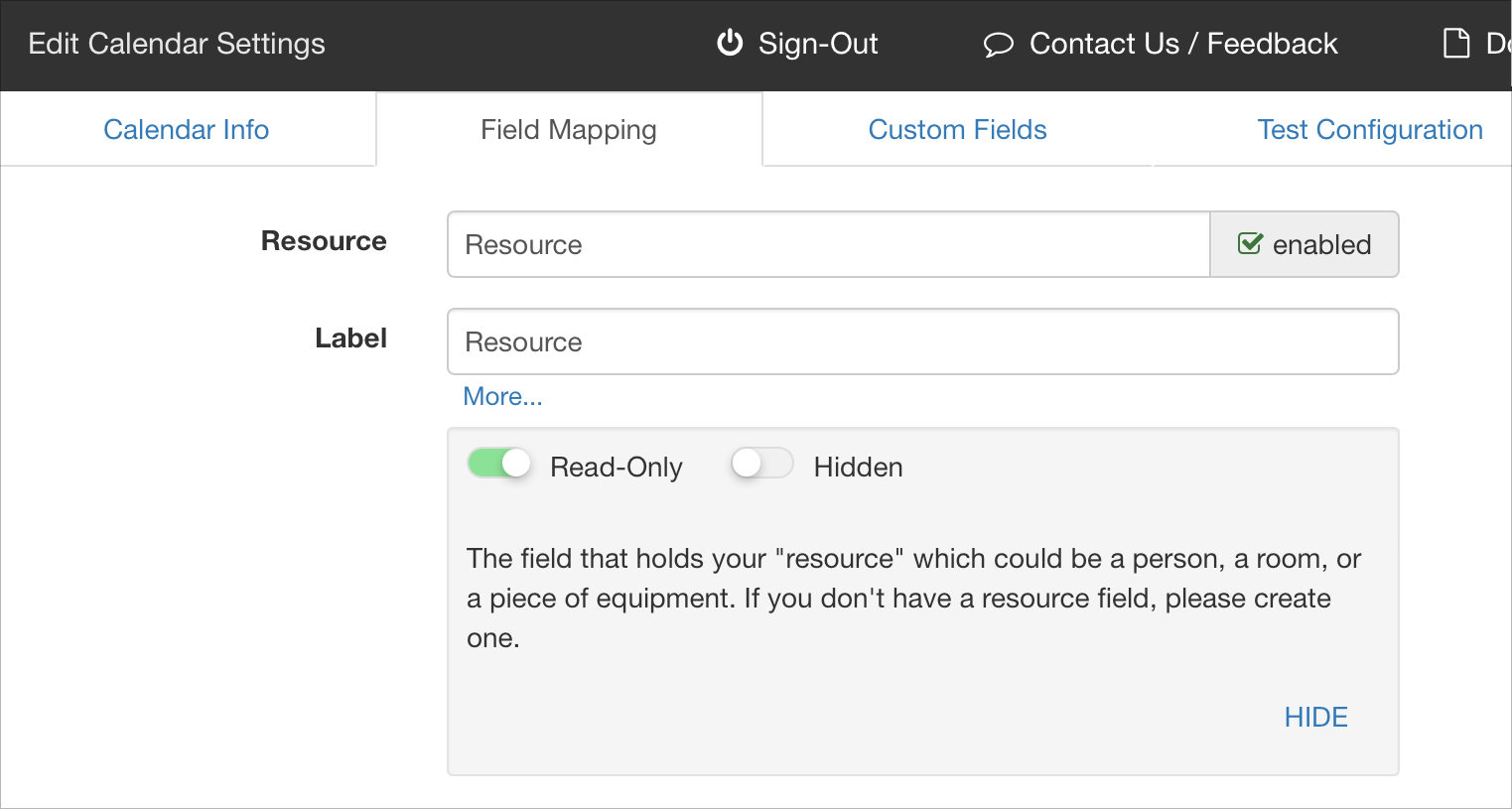
Read-Only Calendar FileMaker

In addition to making entire calendars read-only in DayBack, you can now designate individual fields as read-only or hidden. Read-only fields are helpful when you’re rendering calc fields in the calendar and don’t want DayBack to try and edit them when you drag or duplicate events. Hidden fields are useful when you need a field in a tooltip or custom action but don’t need the field taking up space on screen.


That’s it for now. Keep up with all the updates to DayBack on Twitter or on our blog.

Featured Posts

Follow Along

Stay up to date with the latest news & examples from SeedCode

Leave a Reply

Your email address will not be published. Required fields are marked *

Check out some of our other posts ...

DayBack for Supabase

FileMaker and Supabase We are very excited to be supporting Supabase as a datasource for DayBack Calendar. You can embed DayBack in your Supabase project, or see Supabase records alongside your FileMaker events in DayBack.

Read More »

Visual Buffers: a More Accurate Calendar

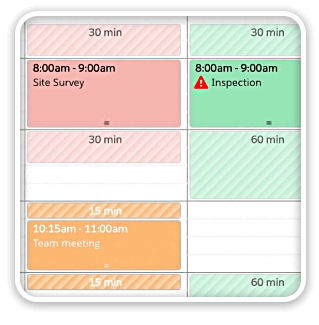
Buffers in DayBack let you define padding before and after your events so you can see the time you need, not just the time you booked. Instead of squeezing appointments into every available minute, your calendar starts to reflect the reality of how your day unfolds. Buffers is ideal for travel time,

Read More »

Add Jobs to a Mapped Route in FileMaker

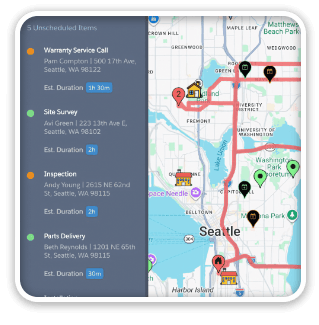
See When Assets are Passing by Unscheduled Jobs Showing unscheduled items on the map lets you see when a route is passing close to jobs you need to schedule. As you click on each truck, you’ll see it’s route for the day and find unscheduled jobs that would be good

Read More »

Scheduling Teams and Equipment

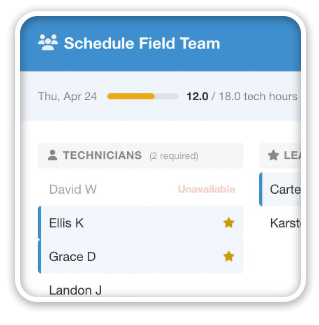
Seeing Availability at a Glance We recently customized DayBack for a customer who wanted to consolidates all the decisions of team assignments into a single screen. When a dispatcher clicks on a job, they can schedule the entire field team (technicians, lead, vehicle, departure plan, and equipment) without leaving the

Read More »

FOLLOW ALONG

Stay up to date with the latest news & examples from SeedCode

© 2026 SeedCode, Inc.